Your crosshair. Dead centre.
DeadCenter puts a sharp, custom crosshair in the exact middle of your screen, on top of any game. Design your own or grab a preset, press F8 in game, and it stays centred even on stretched res.
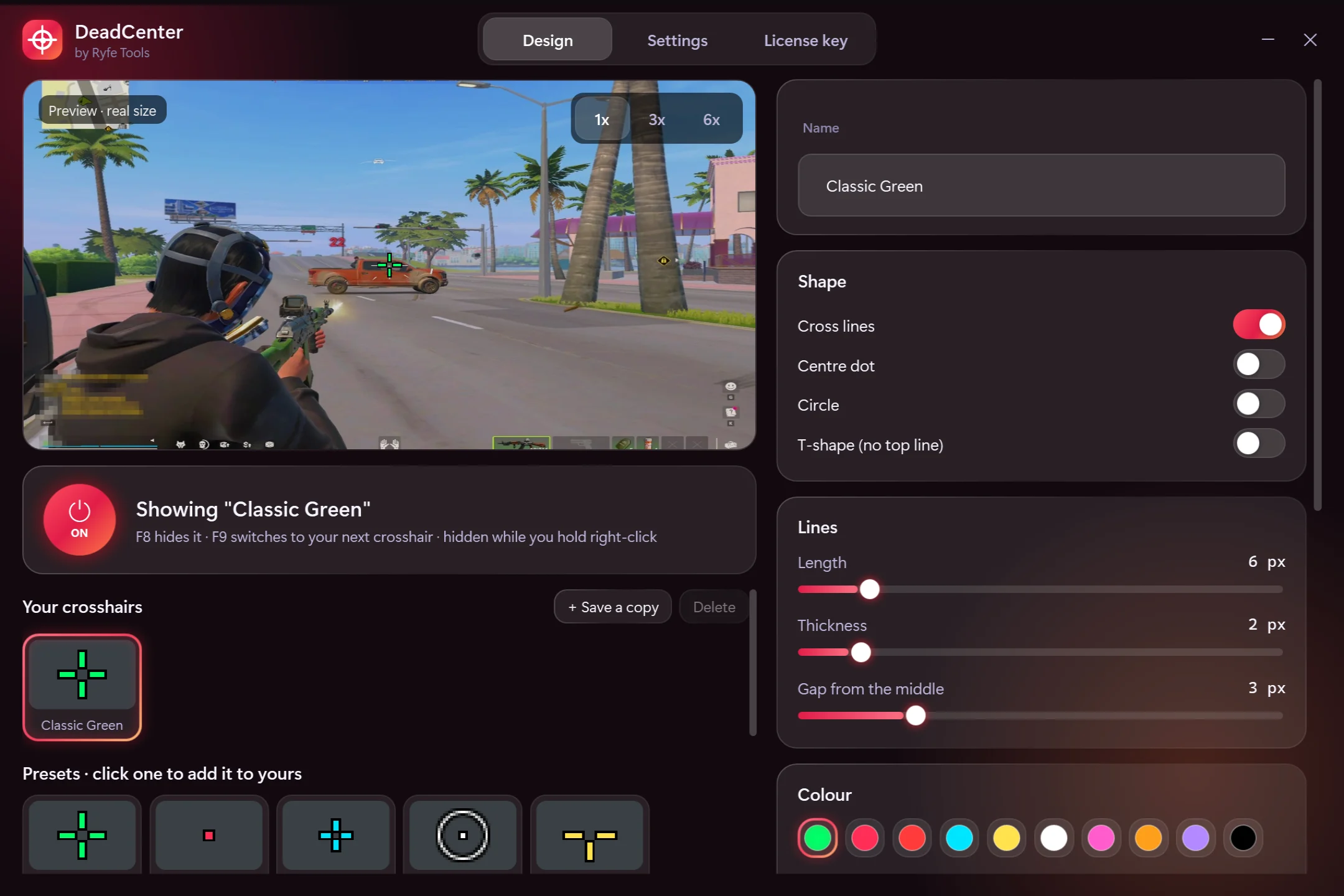
Make your crosshair. See it in Rob Run.
Same settings as the app. Every design gets a share code: buy DeadCenter, paste the code, press F8.
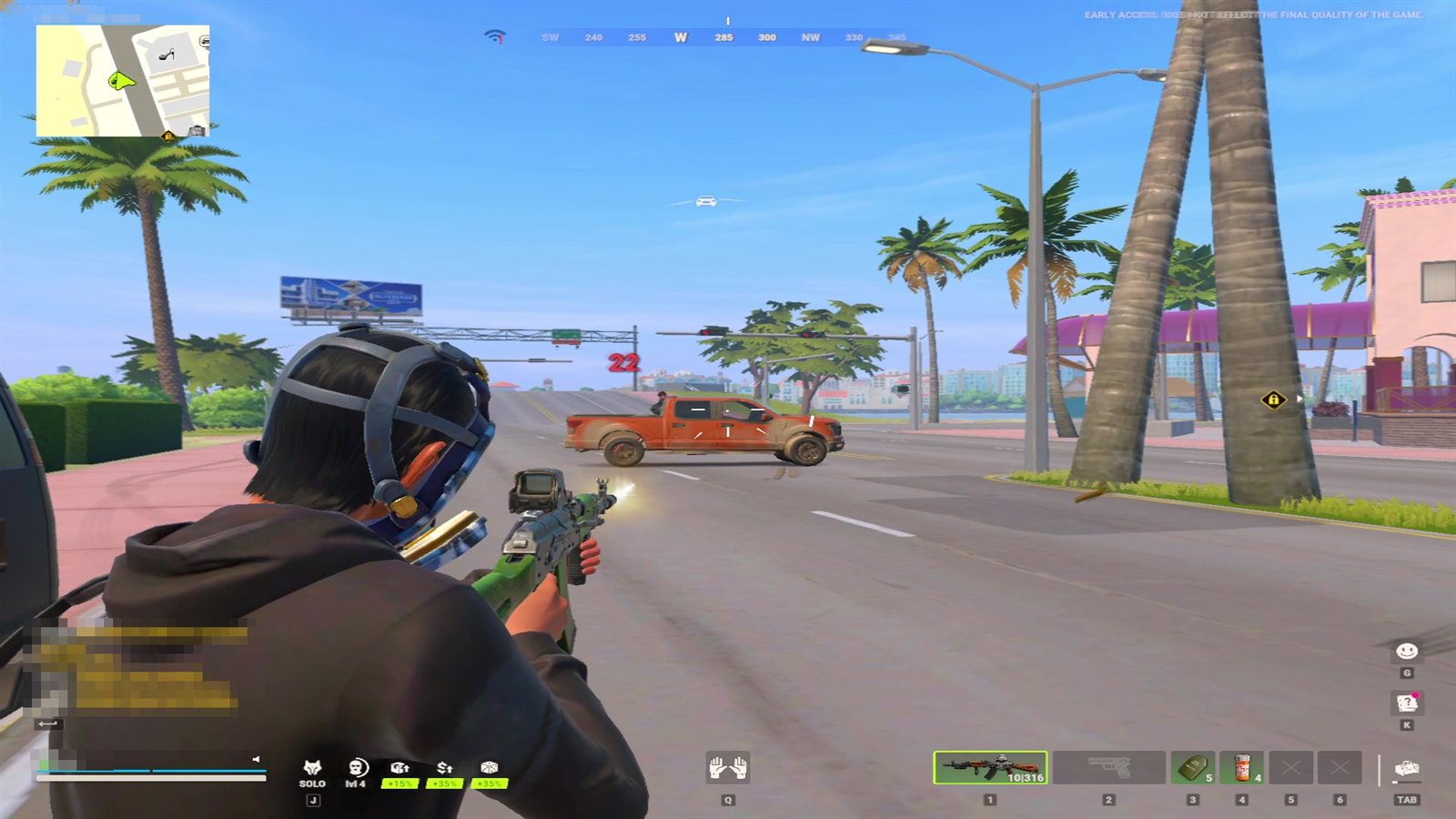 Real size
DC-…
In DeadCenter: Design → Share code → paste it. Got a code from a video?
Small app. Exactly where you aim.
Full designer
Lines, a centre dot, a circle or a T-shape. New: rotate it into an ✕, or load your own PNG. Any colour, outline and opacity, with a live preview on Rob Run.
12 presets
Classic cross, tiny dot, ring, T-shape and more. Add one in a click, tweak it, and keep as many of your own as you like.
Share codes
Every crosshair turns into a short DC- code. Send yours to a friend, or paste one you saw in a TikTok and it's yours.
F8 and F9
F8 shows or hides it in game, F9 flicks to your next crosshair. Change the keys in Settings if you use those for something else.
Changes when you aim
Hold right-click (or a side button) and it hides, shrinks to just its dot, or switches to another of your crosshairs. Toggle-aim games work too.
Always dead centre
Reads your real screen size from Windows and re-centres by itself when you switch to stretched res. Pick any monitor, nudge it a pixel if your game's aim point is off.
- Design or pick oneHere, or in the app. Designing is always free.
- Paste your keyOne key, one PC. Ryfe Everything keys work too.
- Press F8 in gameThere it is, dead centre. F8 again hides it.
Less than a skin. Yours forever.
No subscription. Every update included.
The crosshair overlay on its own.
- Full designer + 12 presets
- ✕ shapes + your own PNG crosshairs
- Share codes, F8 / F9 hotkeys
- 1 PC per key
- All future updates
DeadCenter + ZeroDrag + ColorTuner + FrameLift, lifetime.
- All four apps, one key
- Potato mode, 300% colours, sharp TikTok clips
- All future updates for all four
Secure checkout by Stripe. One key works on one PC. Got a new PC? We'll move your key on Discord.
Questions, answered.
Can DeadCenter get me banned?
DeadCenter is a see-through window drawn on top of your screen, like Discord's overlay. It never reads or changes a game's memory or files, so there's nothing inside the game for anti-cheat to see. Some competitive games have their own rules about crosshair overlays, so check yours if you play ranked.
Does it work in fullscreen?
It works in borderless and windowed mode, and in most fullscreen games on Windows 10 and 11. If one game's exclusive fullscreen hides it, switch that game to borderless.
Does it stay centred on stretched res?
Yes. DeadCenter reads the real screen size from Windows and re-centres itself when your resolution changes, so 1440x1080 or 1280x1080 stretched works straight away.
Can I try it before I buy?
Yes. Play with the designer above, or download DeadCenter: designing crosshairs in the app is free. Showing one over your games needs a key.
I already have Ryfe Everything.
Then you already own DeadCenter. Your Everything key unlocks it: download it and paste the same key.
I have two monitors.
Pick the monitor in Settings. You can also move the crosshair a pixel or two if your game's aim point isn't the exact middle.
Do you offer refunds?
If DeadCenter doesn't work on your PC, message us on Discord within 7 days of buying and we'll sort it out or refund you. See the refund policy.
What do I need?
Windows 10 or 11. No admin rights needed. It installs like any app (Start menu, desktop icon, uninstall in Windows settings). Already bought? Download DeadCenter.