Your clips, as sharp on TikTok as they are in game.
TikTok crushes gameplay clips. FrameLift fights back: AI redraws every frame sharper, real 60 fps motion blur makes it silky, and the TikTok bypass copy keeps the quality when you upload. Drop a clip in, press Boost.
Want everything? Ryfe Everything: FrameLift + ColorTuner + ZeroDrag + DeadCenter lifetime for $44.99.

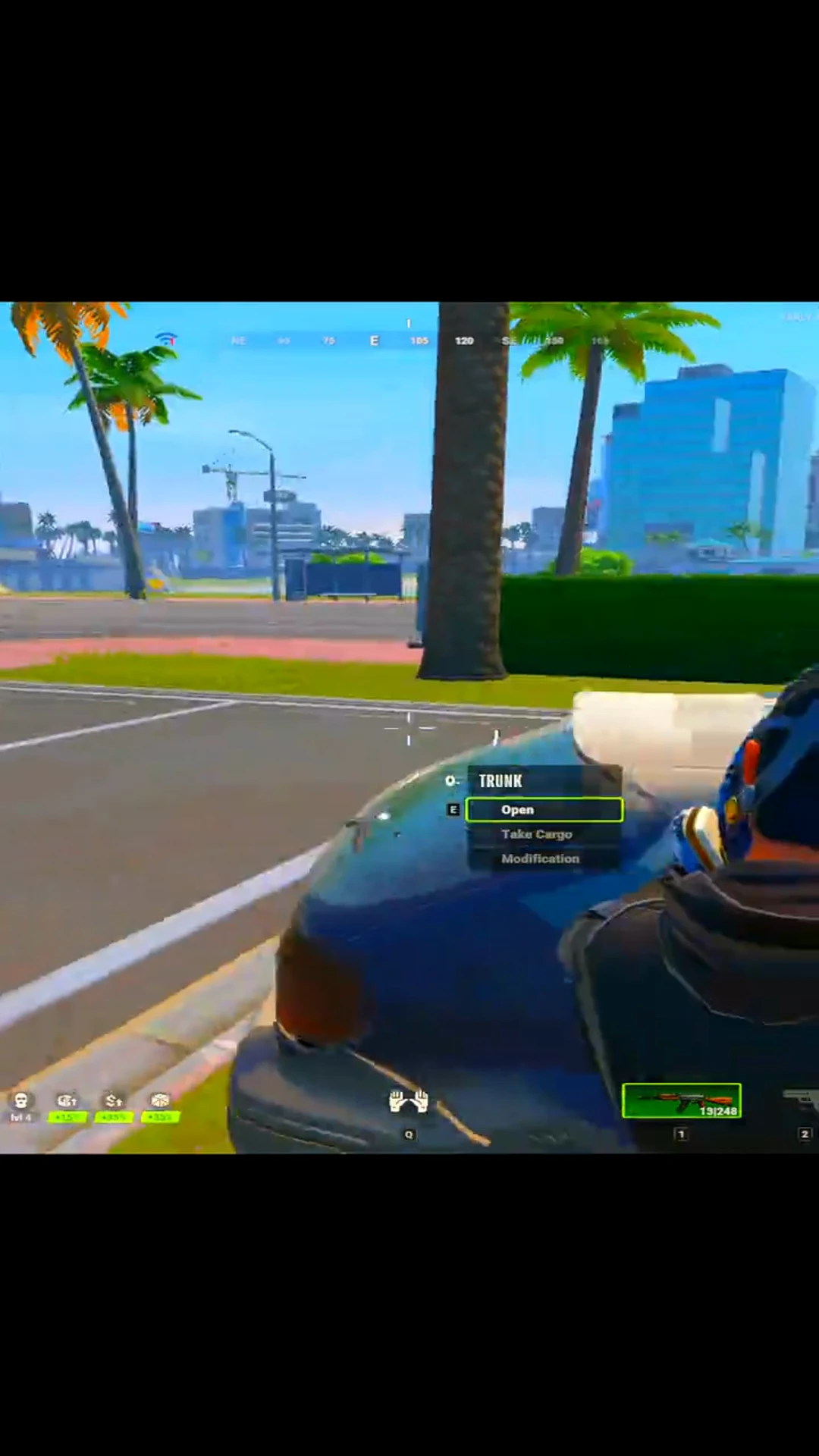
Left: a normal upload after TikTok-style compression (simulated: 720p, 1.2 Mbps). Right: the same moment from FrameLift's bypass copy, the file you upload. Drag the line.
Clips boosted with FrameLift. 700K+ views.
Real clips from @ryfefps, every one boosted with FrameLift. These are the most watched ones.
Three steps. No editing skills.
Drop your clips in
MP4, MOV, MKV, any length. Clips that aren't 9:16 get framed for TikTok automatically (blurred background, crop or black bars, your pick).
Pick Ryfe style
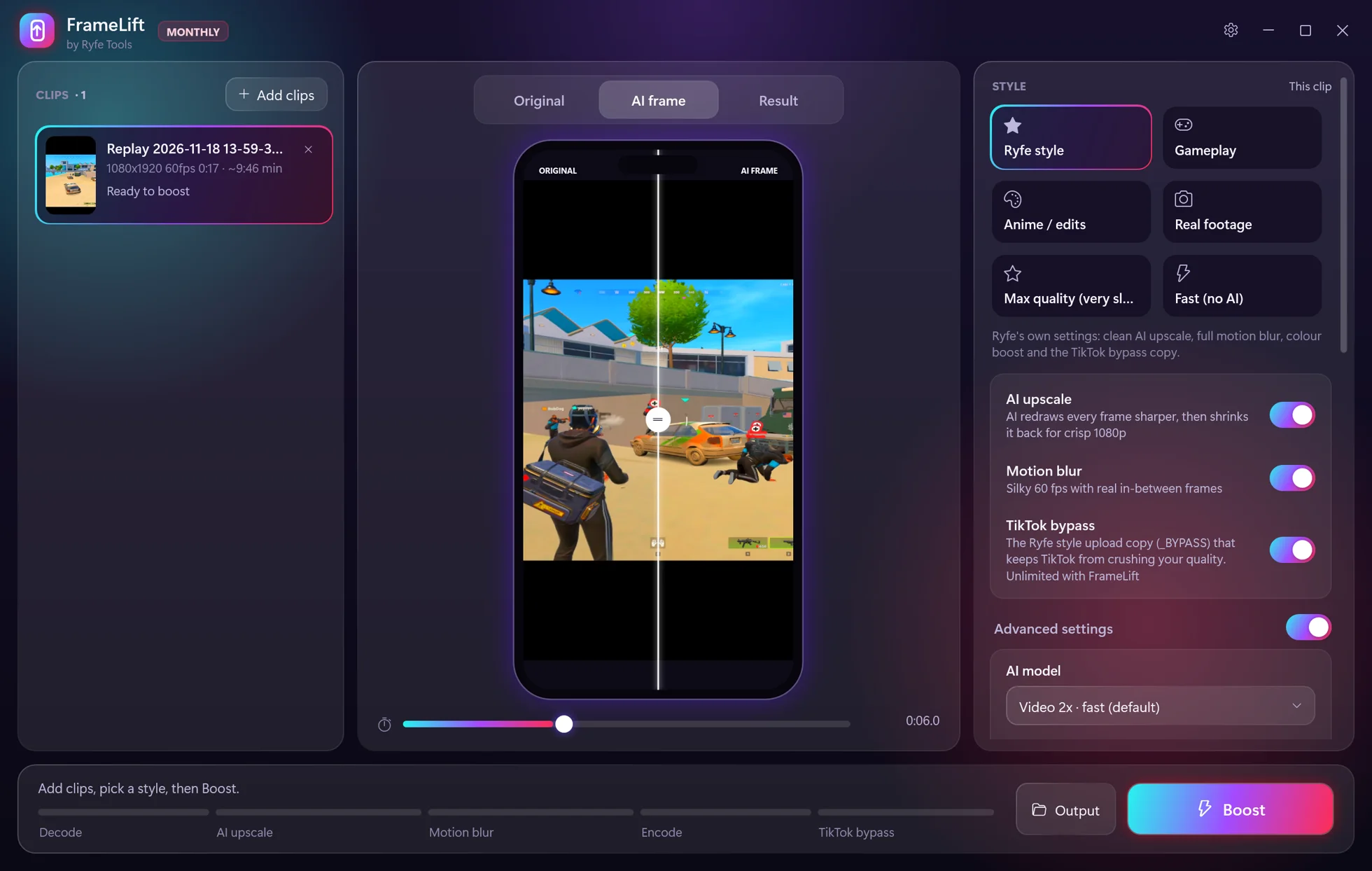
Ryfe's own settings are already picked. Check the before/after on any frame, or switch to Gameplay, Anime / edits, Real footage and more.
Press Boost
You get a clean _final master and a _BYPASS copy. Upload the bypass copy through TikTok Studio as Everyone or Friends.
Everything TikTok takes away. Put back.
AI upscale
Real-ESRGAN redraws every frame at 2x, then FrameLift shrinks it back to crisp 1080p, so edges, text and faces survive TikTok's compression.
Real motion blur
RIFE creates real in-between frames and blends them into silky 60 fps motion blur, like a high-end edit, without touching an editor.
TikTok bypass copy
Every boosted clip also gets a Ryfe style upload copy (_BYPASS) that keeps TikTok from crushing your quality. Included with FrameLift, no extra keys or accounts.
Before / after preview
Scrub to any moment and see the original, the AI frame and the finished result side by side before you spend time rendering.
Styles + full control
Ryfe style plus five more presets. Advanced settings for AI model and strength, detail, blur amount, frame rate, encoder, bitrate, colour boost and loudness.
Batches + GPU encoding
Queue as many clips as you like and walk away. Uses your NVIDIA GPU's encoder when it can, with a progress bar that shows every step and the time left.
Honest note: AI upscaling is heavy work. On an RTX 5050, a 17-second 60 fps clip takes around 10 minutes with Ryfe style. "Fast (no AI)" skips the AI and finishes in a fraction of the time.
Pick how you pay. Boost as much as you like.
Every plan includes the TikTok bypass copy and all updates.
Cancel any time from FrameLift's Settings.
- AI upscale + motion blur
- TikTok bypass copy for every clip
- 1 PC per key
Pay once, keep it forever.
- Everything in Monthly
- No subscription, ever
- All future updates
FrameLift + ColorTuner + ZeroDrag + DeadCenter, lifetime.
- All four apps, one key
- 300% colours, Potato mode, custom crosshair
- All future updates for all four
Secure checkout by Stripe. One key works on one PC. Got a new PC? We'll move your key on Discord.
Questions, answered.
What is the TikTok bypass copy?
A second upload file FrameLift makes for every clip: re-encoded the Ryfe style way and patched by an online service so TikTok keeps more of its quality. Upload that copy through TikTok Studio (as Everyone or Friends, not Only me). The _final file is the clean master for YouTube, Instagram and everywhere else.
Does FrameLift log into my TikTok?
No. FrameLift never touches your TikTok account. It makes the files; you upload them yourself.
What PC do I need?
Windows 10 or 11 (64-bit) and a graphics card that supports Vulkan (most NVIDIA, AMD and Intel cards from the last few years). An NVIDIA card is fastest because FrameLift uses its video encoder. The install is about 600 MB.
How long does a clip take?
AI upscaling is heavy. On an RTX 5050, a 17-second 60 fps clip takes around 10 minutes with Ryfe style. Shorter clips and faster cards are quicker, and "Fast (no AI)" finishes in a fraction of the time.
Does it only work for Rob Run?
No, any clip works: other games, edits and real footage. Ryfe style is tuned for gameplay, and there are presets for anime edits and real footage too.
Monthly or lifetime?
Both get the same app. Monthly is $15 and you can cancel any time from FrameLift's Settings (Manage subscription). Lifetime is one payment of $30. Ryfe Everything adds ColorTuner, ZeroDrag and DeadCenter for $44.99 total.
Do you offer refunds?
If FrameLift doesn't work on your PC, message us on Discord within 7 days of buying and we'll sort it out or refund you. See the refund policy.
Already bought?
Download FrameLift (about 130 MB), install it, open it and paste your key.
AI upscaling by Real-ESRGAN (BSD-3), frame interpolation by RIFE (MIT), video by FFmpeg (GPL). FrameLift isn't affiliated with TikTok or ByteDance.